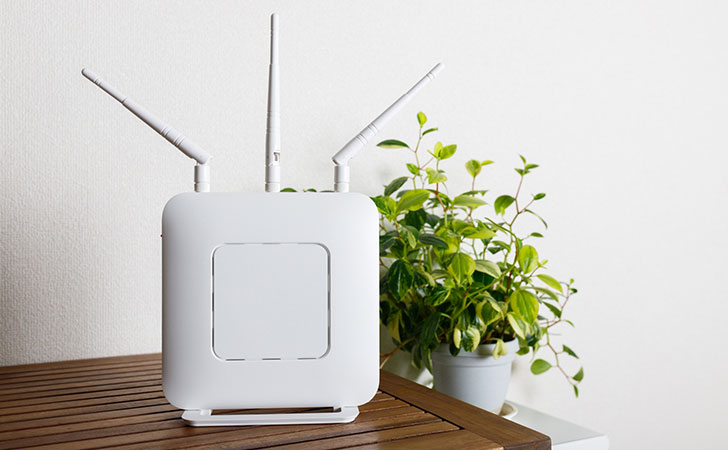
“I Want to Set Up NordVPN on My Router”
Many people may have this thought.
NordVPN supports simultaneous connections for up to 10 devices.
However, with the growing popularity of smart home appliances and IoT devices, the number of connected devices can easily exceed this limit.
Additionally, devices that do not support the NordVPN app cannot establish a VPN connection.
In such cases, setting up NordVPN on a router can be a useful solution.
This article provides a detailed explanation of routers compatible with NordVPN.
目次
NordVPN Can Be Set Up on a Router
NordVPN supports router configuration.
This is also officially stated on the NordVPN website.
Protect Unlimited Devices with One Account
A single NordVPN account allows you to protect up to 10 devices simultaneously. However, by setting up NordVPN on a router, you can secure all devices connected to the router, up to its maximum supported connections.
Source: NordVPN Official Website – “The Best VPN Router for Your Home”
Benefits of Setting Up NordVPN on a Router

One of the main benefits of setting up NordVPN on a router is that all devices in your home can automatically connect to the VPN.
Normally, when using NordVPN, you need to:
- Install the NordVPN app
- Launch NordVPN and turn on the VPN connection
However, by configuring NordVPN on your router, you eliminate the need to set up each device individually.
Simply connecting to your home’s wired LAN or Wi-Fi will automatically establish a VPN connection, allowing you to browse the internet safely at all times.
Enhance Security for Game Consoles and Smart Home Devices
By setting up NordVPN on a router, game consoles, smart home appliances, and IoT devices can also connect to the VPN.
Currently, the NordVPN app is only available for smartphones, tablets, computers, and TVs.
Other devices, such as:
- Game consoles (Nintendo Switch, PS4/PS5, Xbox, Meta Quest, etc.)
- Smart home appliances & IoT devices (air conditioners, robot vacuums, microwaves, speakers, lighting, scales, remote controls, security cameras, smart locks, smart meters, etc.)
cannot install the NordVPN app.
However, by configuring NordVPN on a router, even devices that cannot install the app can connect to the VPN, ensuring a secure connection.

By connecting game consoles to a VPN, you can prevent DoS and DDoS attacks, as well as avoid issues like bans in online matches and lag.
For smart home appliances, a VPN enhances security, helping to prevent hacking attempts and unauthorized access by cybercriminals.
How to Choose a Router Compatible with NordVPN
NordVPN cannot be set up on all routers.
To configure NordVPN, you need a router that supports OpenVPN, one of the VPN protocols.
| OpenVPN | ◯ |
|---|---|
| PPTP | ー |
| L2TP/IPsec | ー |
| SSTP | ー |
| IKEv2 | ー |
OpenVPN is one of the VPN protocols.
It is an open-source VPN protocol primarily developed by OpenVPN Technologies, Inc. and is widely adopted due to its high speed and strong security.
Compatible Manufacturers
NordVPN recommends the following routers:
- ASUS WRT(ネイティブファームウェア)
- ASUS Merlin
- DD-WRT
- Gl.iNET
- Mikrotik
- NetDUMA
- OPNsense
- OpenWRT
- Padavan
- Sabai
- Tomato
- pfSense
- DrayTek
- EdgeRouter
Conclusion
This time, we explained how to choose a router compatible with NordVPN.
By setting up NordVPN on a router, you can encrypt all devices in your home through a VPN connection.
If you want to connect more than 10 devices simultaneously without setting up NordVPN on a router, you will need to subscribe to a second account.


If you set up NordVPN on a router, you can virtually connect to the VPN without any limits.